

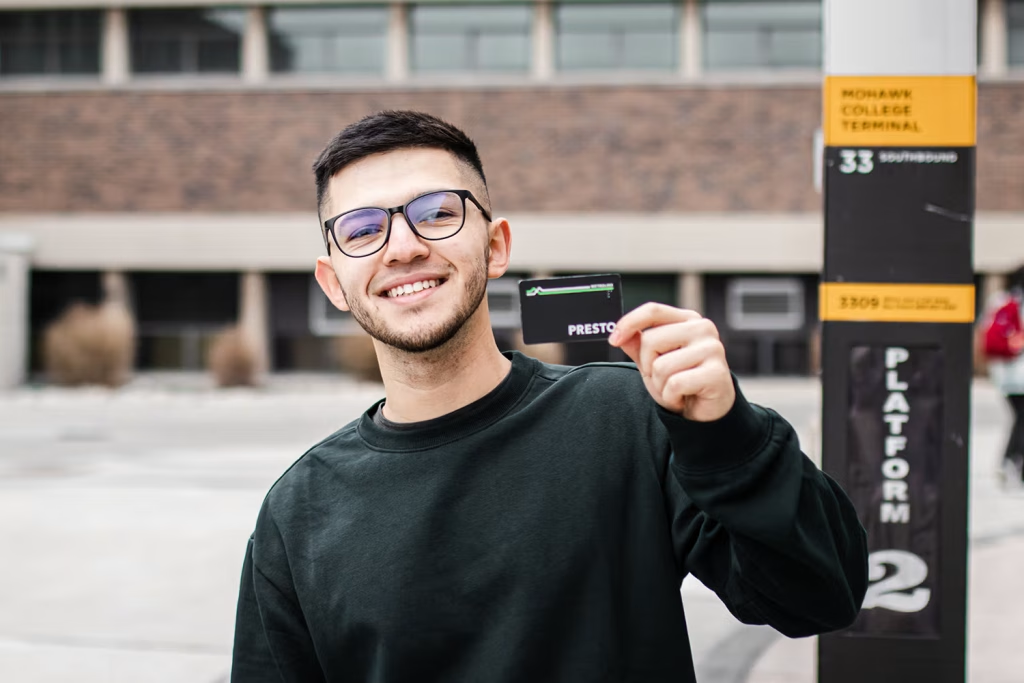
In an effort to support you, we provide all full-time Mohawk College students with an HSR Bus Pass Voucher to add to their PRESTO card to ride the Hamilton Street Railway (HSR).
Your HSR Bus Pass Voucher is for your personal use only and is non-transferable.
Valid Pass Dates
Spring / Summer
May 1 - Aug 31
Fall
Sep 1 - Dec 31
Winter
Jan 1 - Apr 30
Set Up Your Bus Pass
Once you have registered for classes, you will receive an email indicating that your MSA HSR Bus Pass Voucher is ready on your MyMohawk account. Follow the relevant steps below.
Note: Check out PRESTO’s tutorial videos on their youtube channel!
I have a PRESTO card
Select your timetable
Log in to your MyMohawk account, click Registration, then Choose or change my timetable. Allow 48 hours for your voucher code, then open your Mohawk email to find it.
Redeem your voucher
- Using either the PRESTO website (prestocard.ca) or the PRESTO Mobile App, log into your PRESTO account.
- PRESTO website: On the main Dashboard page, select Redeem Voucher from the left-side navigation
- PRESTO Mobile App: Select the card you wish to redeem the voucher to, scroll down until you see Redeem Voucher section and Enter Voucher Code button
- Follow the prompts to redeem your assigned voucher code
- Once the voucher has been successfully redeemed, the UPASS and post-secondary (PS1) fare type will be added to your PRESTO card.
- Within a few minutes, your PRESTO card will be ready to use on any HSR bus.
I do not have a PRESTO card
Select your timetable
Log in to your MyMohawk account, click Registration, then Choose or change my timetable. Allow 48 hours for your voucher code, then open your Mohawk email to find it.
Get a PRESTO card
Visit any MSA office to purchase your card, or buy one from a PRESTO retailer such as Fortinos, Shoppers Drug Mart or Hamilton GO Centre.
Create an account and add your card
- Visit prestocard.ca and click Sign Up from top Navigation bar
- Follow prompts for Account Creation
- Once your account has been created – select Add a Card and follow the prompts to add your PRESTO card to your account
- Once your card has been added, select Redeem Voucher from left-side navigation pane
- Follow the prompts to redeem your assigned voucher code
- Once the voucher has been successfully redeemed, the UPASS and post-secondary (PS1) fare type will be added to your PRESTO card.
- Within a few minutes, your PRESTO card will be ready to use on any HSR bus.
Want to go digital?
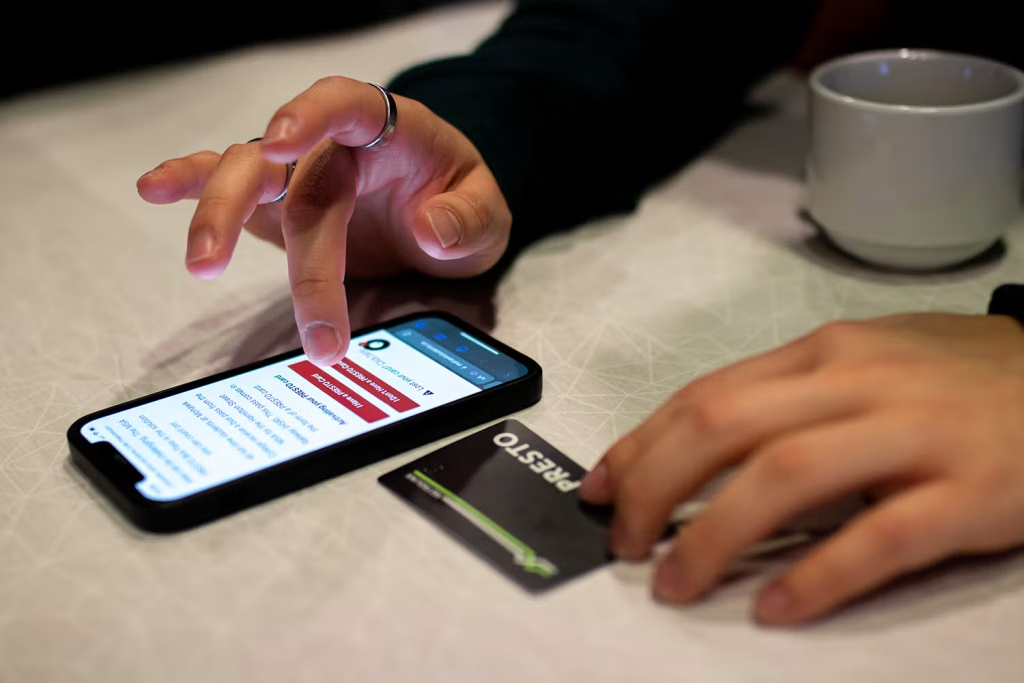
PRESTO now lets you add a digital PRESTO card to your mobile wallet, on both Android and Apple. Read up before you switch, because once you move to a digital card you cannot go back to a physical one.
Commuting beyond Hamilton?
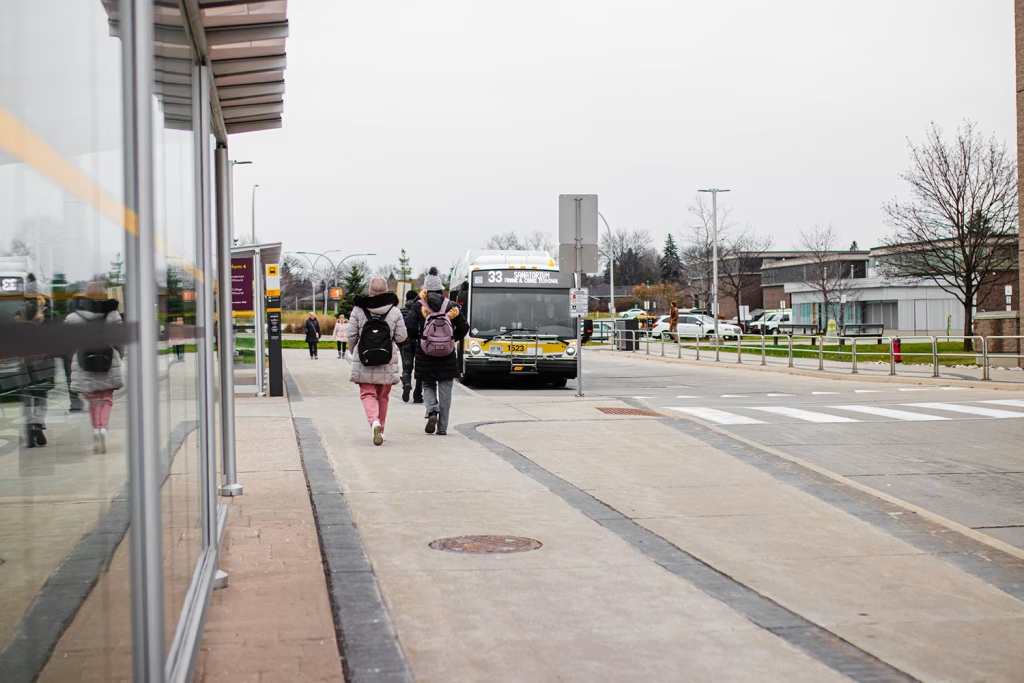
Once you are set up with your HSR bus pass on your PRESTO card, you can travel anywhere HSR buses operate. If you commute outside the city, visit any MSA office to load additional transit funds onto your PRESTO card.
Hidden Disabilities Sunflower Program
The HSR’s Hidden Disabilities Sunflower Program helps riders with non-visible disabilities feel supported while using public transit. By wearing a Sunflower lanyard, you can discreetly let HSR operators and staff know that you may need extra time, patience, or assistance.
Wearing a lanyard is completely voluntary, and you never need to explain or disclose your disability.
Need a Sunflower lanyard? Pick one up free of charge at any MSA office. Visit our Where We Are page to find the location nearest you.
Tips for Riding the HSR
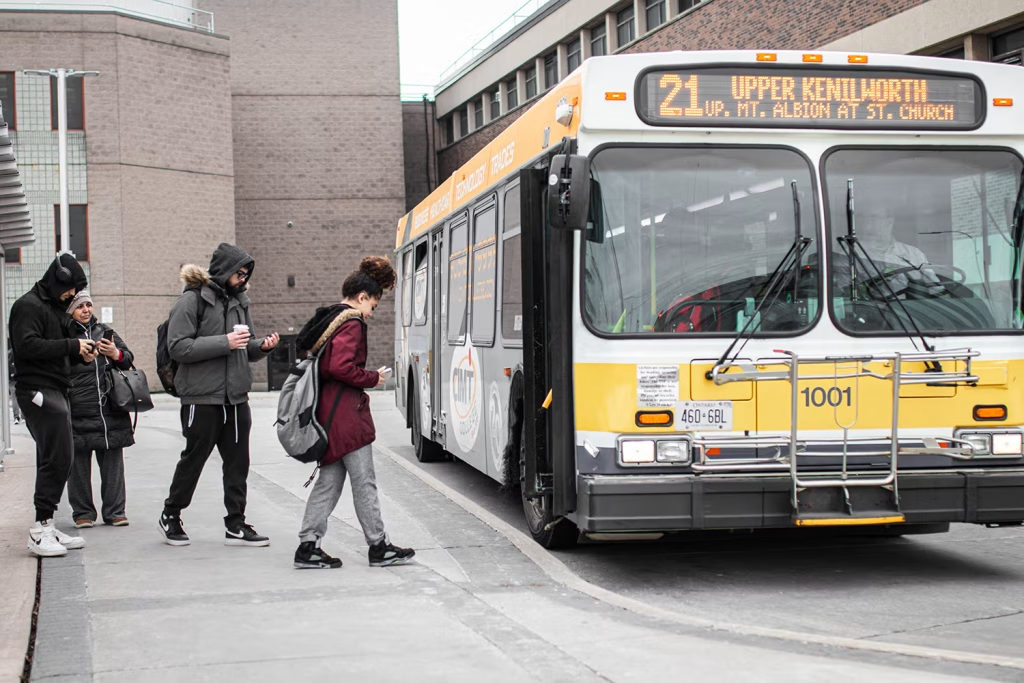
A few things worth knowing before you travel.
- Check the City of Hamilton HSR Alert Map before you leave to stay informed about detours and delays.
- Request a stop after 8:00 PM. On most routes you can ask the driver to let you off between regular stops. Let the driver know at least one stop in advance.
- All HSR buses have Accessible Low Floors. They can accommodate wheelchairs, scooters and walkers, as well as bicycles, strollers and buggies.
- You can plan your bus routes using Google Maps or the Transit app.
- HSR schedules change seasonally and may vary on Sundays and holidays, so check your route before you travel.
- Most HSR buses have bike racks on the front. Learn how to load and unload your bike.
Frequently Asked Questions
How much does it cost to purchase a PRESTO card?
You can buy a physical PRESTO card for $4.00 at any MSA Service Desk.
Do I have to load any funds onto my digital PRESTO card?
Yes. You must load at least five cents when you register your digital PRESTO card on your account.
Can I redeem my HSR Bus Pass Voucher to my digital card?
Yes, you can redeem your voucher to your digital card in the PRESTO app. If you have a physical card, you must redeem your voucher on the website.
Can I sell my voucher if I am not using it?
No. As part of your tuition you pay a bus pass fee, which allows the MSA to provide you with a four-month bus pass voucher. This voucher is non-transferable, which means it is meant for your use only. You are not allowed to sell, give away or transfer it to anyone else, and misuse may result in consequences.
Will the fare type change to PS1 once the voucher is redeemed?
Yes. The fare will change to reflect your student status.
Need Help With Your Bus Pass?
Call us, send an email, or use the chat bubble in the bottom corner of this page. You can also drop in at any MSA Service Desk.